Add a model, agent, or custom connection when it improves a business outcome enough to justify the extra work. These are separate choices. A useful setup may need only one.
Better results on a specific job. One provider may perform better on your documents, tools, or specialist tasks. Test with real examples. A brand name or benchmark alone does not tell you the best choice for your business. Different models behave differently. Matching the right job to the model is critical for the best possible cost savings and execution of the agentic work.
One process among different tools. Custom coordination helps when a job spans applications or provider capabilities that the available platform cannot connect. The process still needs a defined owner and an exact record of progress.
Deliberate choices about cost and data. To control token costs, use a smaller model for routine work or, even better, open-weight models that run locally on a GPU, with no per-token fees (you still pay for the hardware). Use a more capable model where more complex reasoning is needed, and ordinary software rules for fixed calculations or transfers. Locally hosted models still need computing capacity and support.
A tested fallback for eligible work. A second provider offers an alternative when the primary option is unavailable or unsuitable. Fallbacks need compatible tools, tested outputs, approved data handling, and a clear rule for when to wait or involve a person.
Start with a small set of approved models and expand when the evidence supports it. Your business knowledge, job records, and approval rules should stay usable when a selected model changes. Portability depends on the design and the rights in your service agreement.
Private storage and private processing are different. Information sent to a cloud model is processed by that provider. Each setup type has key privacy and legal considerations:
* Employee AI tools (like ChatGPT or Claude): Data is typically sent to external cloud providers, which means you must review their privacy, retention, and compliance policies, especially for sensitive or regulated data. Business subscriptions and APIs often include enhanced protections, such as isolation from training data, but requirements for consent, audit logging, or data residency may still apply.
* Shared platform workflows: Your data passes through platform-hosted components. It is important to identify which parts of your workflow expose business information to third parties, which platform features involve data transfers, and whether the platform meets your organization’s regulatory requirements.
* Custom AI Agent Operating Systems: These give you more control over data movement and storage. You can choose to keep data on-premises or within a private cloud, restrict integrations, and enforce your security policies yourself. This can simplify compliance, but you are responsible for proper access controls, monitoring, and observance of company and legal requirements.
In every case, compare the actual policies, provider guarantees, and your configuration before adopting a new AI setup. [7] [8] [11]
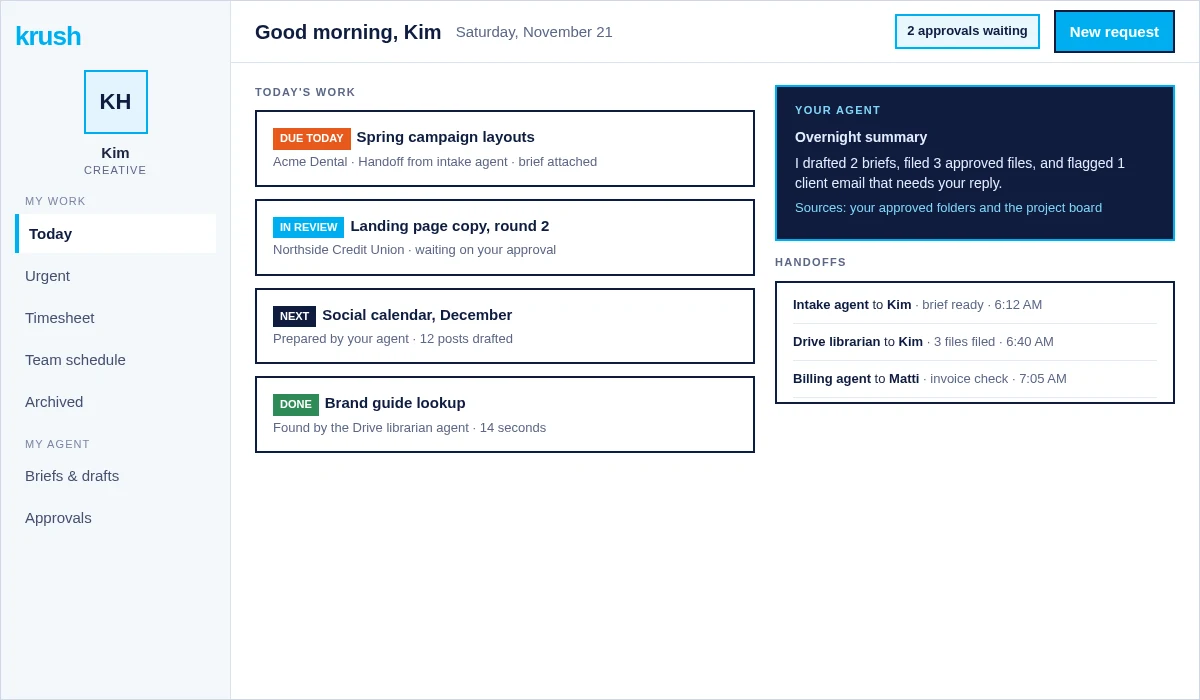
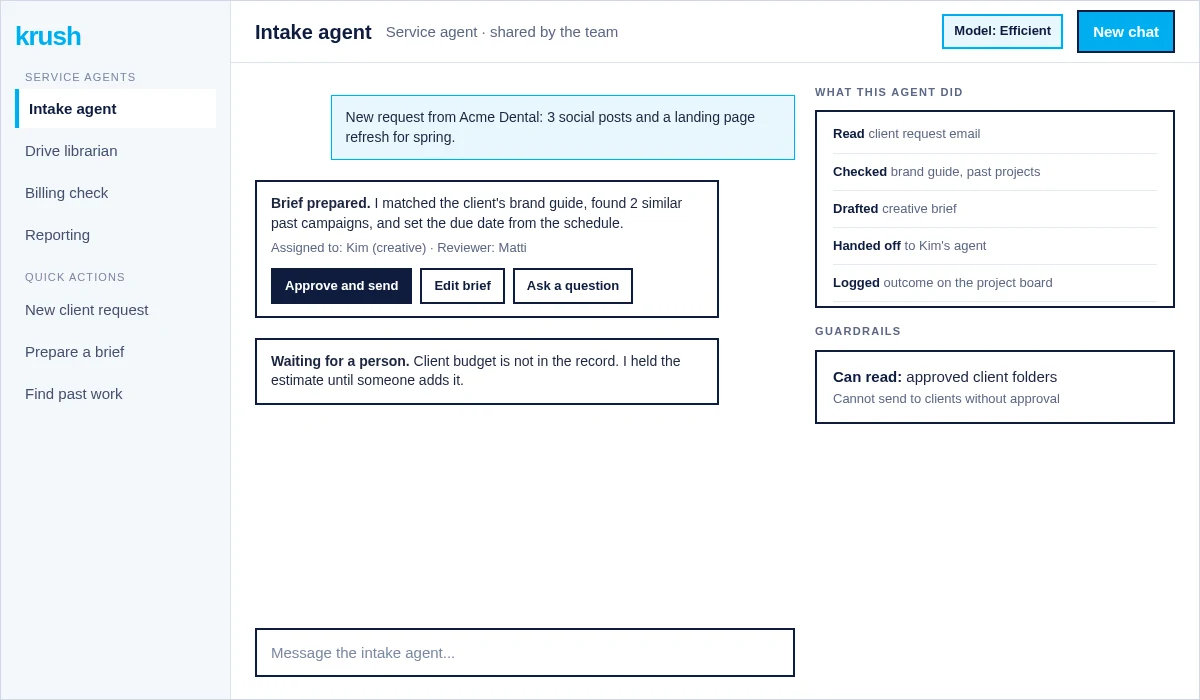
If a process spans multiple systems and people, see how AI systems with a team of agents work.
Cost and ROI: how to compare
To compare costs and expected returns, estimate all direct and indirect expenses: licenses or subscriptions, usage-based fees, setup and integration, training, support, and ongoing maintenance. We can help you strategize the most cost-effective plan for your business. Next, project the benefits: time saved, decreased errors, improved speed, or additional outputs your team can achieve. For example, if an AI setup costs $5,000 per year and cuts manual work by 200 hours, calculate the value of those hours for your business. Compare this value to your investment to show a clear cost-benefit case. Adapt this approach to include factors most relevant to your organization, and gather actual usage and performance data as you scale.